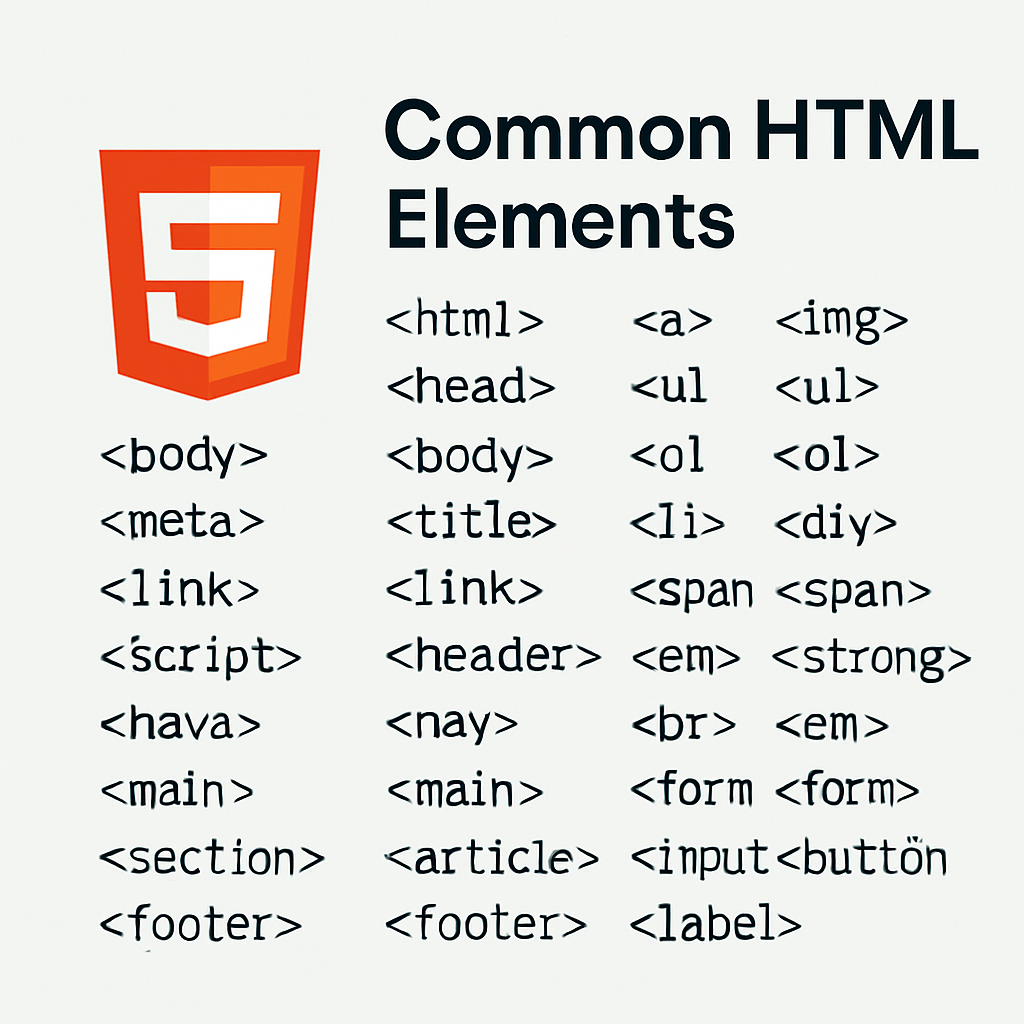
Common HTML Elements (Beginner Reference)
A quick, human-friendly reference list you can use while building pages in CIS195.
Elements List (30)
- <html>
- Root element that wraps the entire HTML document.
- <head>
- Metadata container (title, meta tags, links, scripts not shown in page content).
- <body>
- All visible page content lives here.
- <meta>
- Provides metadata (charset, viewport, description, etc.).
- <title>
- Page title shown in the browser tab and bookmarks.
- <link>
- Links external resources like stylesheets.
- <script>
- Embeds or references JavaScript.
- <header>
- Introductory content or site/page header area.
- <nav>
- Section of navigation links.
- <main>
- Primary content unique to the page.
- <section>
- Thematically grouped content with a heading.
- <article>
- Independent, self-contained content (e.g., blog post).
- <footer>
- Footer for a section or the whole page (credits, links, legal).
- <h1>
- Top-level heading (use one primary
h1per page). - <p>
- Paragraph of text.
- <a>
- Anchor link to other pages, sections, or resources.
- <img>
- Embeds an image; always include a helpful
altattribute. - <ul>
- Unordered (bulleted) list.
- <ol>
- Ordered (numbered) list.
- <li>
- List item inside
ulorol. - <div>
- Generic block container for layout or grouping.
- <span>
- Generic inline container for text or small UI pieces.
- <strong>
- Indicates strong importance (usually bold).
- <em>
- Emphasis (usually italic) that conveys semantic stress.
- <br>
- Line break; use sparingly (prefer CSS margins).
- <form>
- Collects user input to submit to a server or script.
- <input>
- Form control for text, email, checkbox, etc.
- <button>
- Clickable button (submit, reset, or custom behavior).
- <label>
- Caption for a form control; improves accessibility.
- <textarea>
- Multi-line text input.